
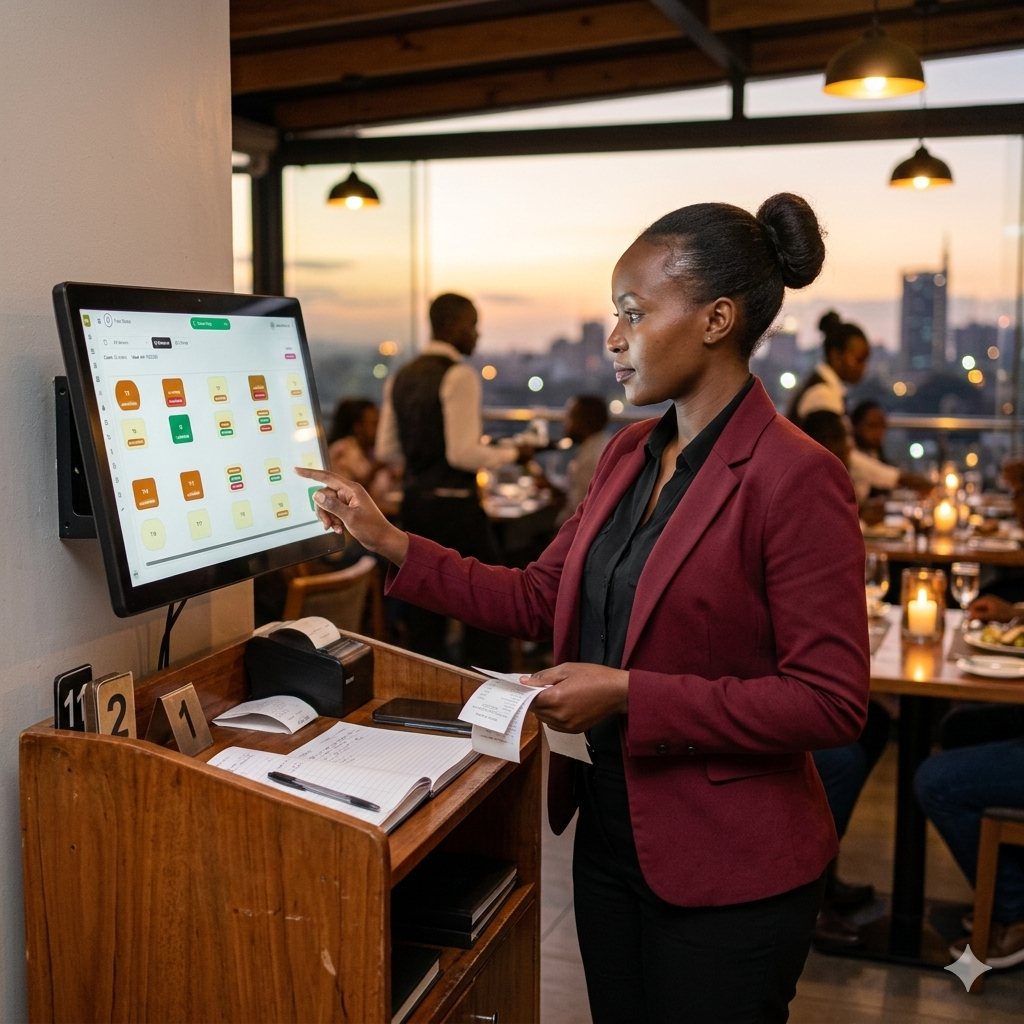
Get the full offline-first POS on your computer in minutes. Run your restaurant, bar, café or shop with no internet, no subscription and no expiry — completely free.
The download is a .rar archive — extract it with WinRAR or 7-Zip, then run the setup file.
No trial, no locked features. The offline POS is fully functional from the first install.
Open bills, move tables, split or merge, and track every order from placement to payment.
STK Push, Till, Paybill, cash or split — each one recorded against the right sale.
Per-waiter clearances and clean shift closing, so the till always balances at handover.
Track stock as it sells, get low-stock signals, and know your real margins per line.
Add every cashier, waiter and manager with the right access — no per-seat charges.
Everything runs on the machine. Internet is only ever needed for optional PRO online sync.
No technician required. Most owners are ringing up sales the same afternoon they install.
Grab the installer above and save it to your Windows computer.
Unzip the .rar with WinRAR or 7-Zip, then run the setup file.
Name your business, add your staff and set their access levels.
Load your menu or products — or let our team import them for you.
Open a table, take an order, accept M-PESA or cash. You're live.
No expensive machine needed. If it runs Windows 10 or 11, it runs Bizflow.
Run Bizflow offline forever at no cost. When you're ready to watch sales from your phone and connect more tills, upgrade to Bizflow PRO — billed per machine, per month.

Download for Windows, set it up in minutes, and start running your business on a system that never stops when the internet does.
Offline POS, M-PESA, shifts, stock and waiter management — written for restaurant, bar, café, hotel and liquor retail operators.

Power cuts, slow internet, and busy rush hours make cloud-only POS risky. Learn why an offline POS in Kenya ke…
Read article
STK Push, Till, and Paybill explained in plain language. See how M-PESA POS integration in Kenya speeds up che…
Read article
A practical guide to choosing the best POS in Nairobi for small restaurants and bars — offline reliability, M-…
Read articleBottle counts, breakage, supplier deliveries, and daily variance — a practical guide to stock tracking for liq…
Read article
Waiter clearances, per-waiter sales reports, and shift closing explained for Kenyan restaurants. Reduce disput…
Read article
Hidden costs, offline limits, and upgrade traps in free POS Kenya options. Compare what you actually get befor…
Read article
Gross sales, net sales, payment mix, voids, and shift totals — learn how to read a restaurant sales report in…
Read article
Offline capability, M-PESA, pricing, support, and staff training — the complete buying guide for choosing the…
Read article
How to run dining orders with open bills, table assignment and kitchen dockets that show server and table — th…
Read article
Cost, units sold, revenue and profit estimate per product line — learn how Bizflow product sales reports help…
Read article
Reconcile physical counts with POS sales each shift. How Bizflow shift inventory reports show opening quantity…
Read article
Track who sold each unit, who changed stock counts, set reorder alerts and export LPO PDFs to suppliers — inve…
Read article
Close Saturday lunch and open Saturday dinner as separate shifts. How Bizflow timelines give Kenyan operators…
Read article
Live timeline totals, historical shifts and emailed reports from your phone — how Bizflow PRO remote monitorin…
Read articleHow Kenyan laundry shops use Bizflow for standard and express bookings, branded item tags, wash-to-pickup trac…
Read articleRun Bizflow offline forever at no cost. When you want online access — live reports, remote monitoring and multiple connected tills — it's a flat Ksh 1,000 per machine each month.
Offline is free forever · Online billed per connected machine — a 3-machine outlet is Ksh 3,000 / month.